
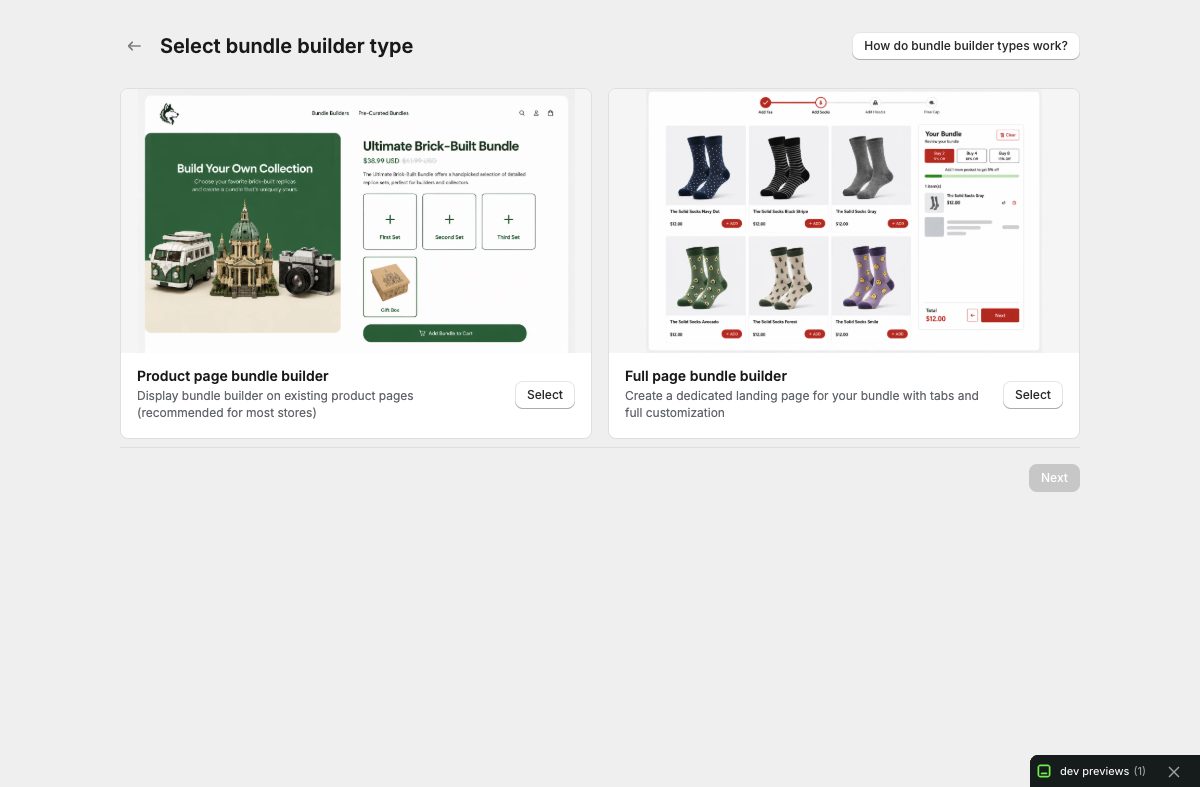
Create your first bundle in Only Bundles
Follow the complete beginner workflow for choosing a bundle surface, adding products, validating the offer, previewing it, and preparing it for your Shopify storefront.
Merchant learning hub
Use these detailed guides to move from your first bundle to advanced merchandising, subscriptions, analytics, visibility, and page-builder placement.
Follow the complete beginner workflow for choosing a bundle surface, adding products, validating the offer, previewing it, and preparing it for your Shopify storefront.
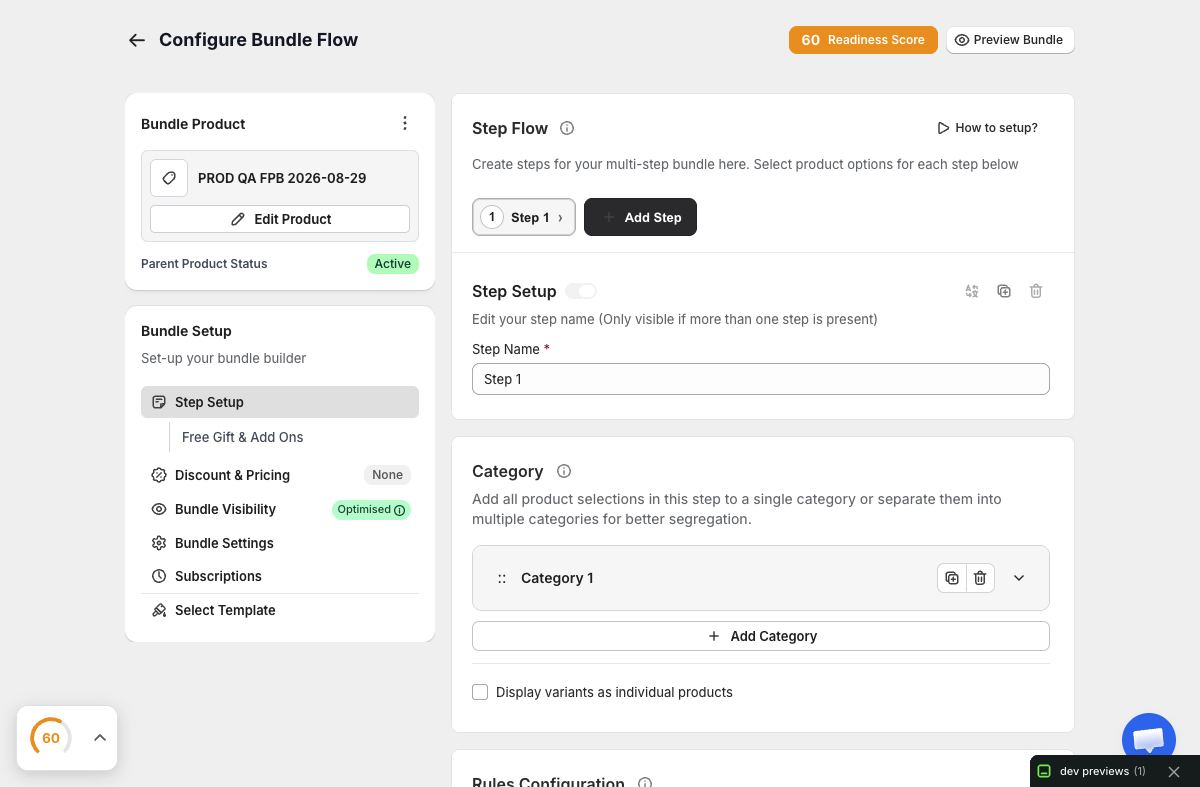
Design a dedicated build-a-box journey with ordered steps, clear categories, achievable selection rules, an accurate summary, and a storefront-ready bundle route.
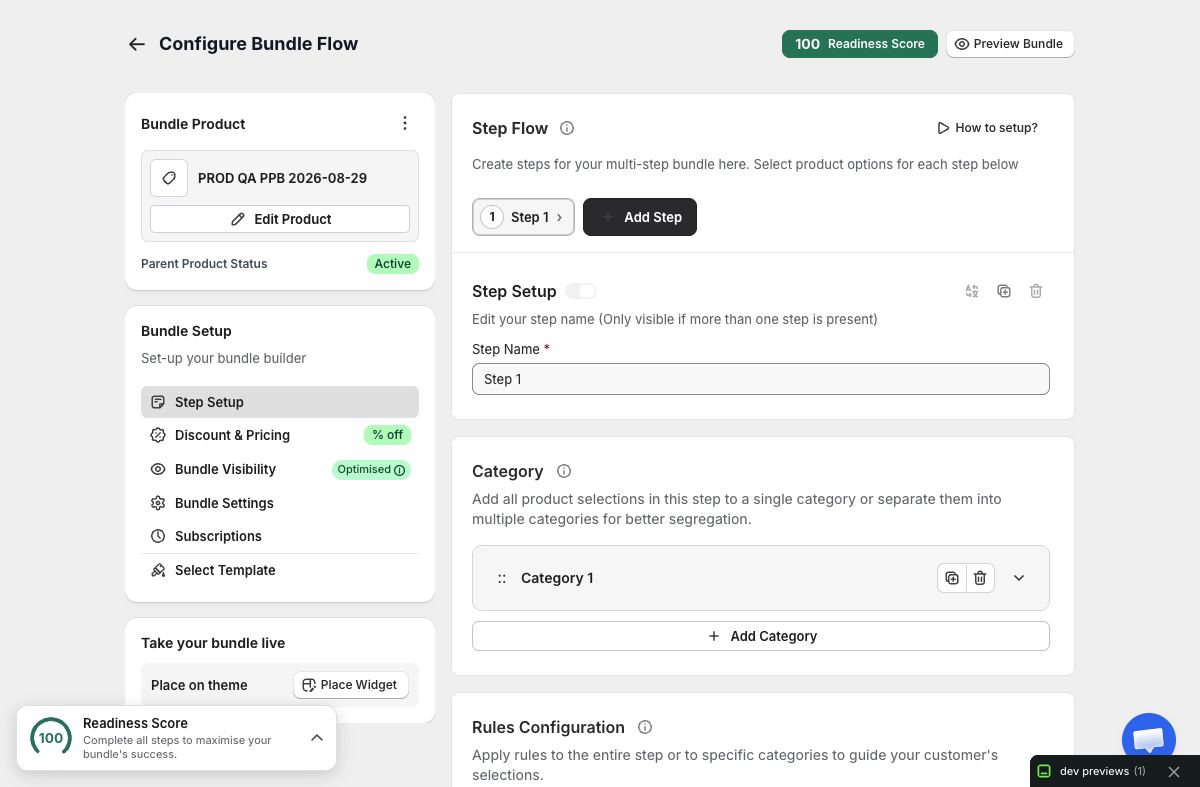
Create a contextual mix-and-match offer, configure products and variant selectors, place its Shopify app block, and verify the result on the correct product template.
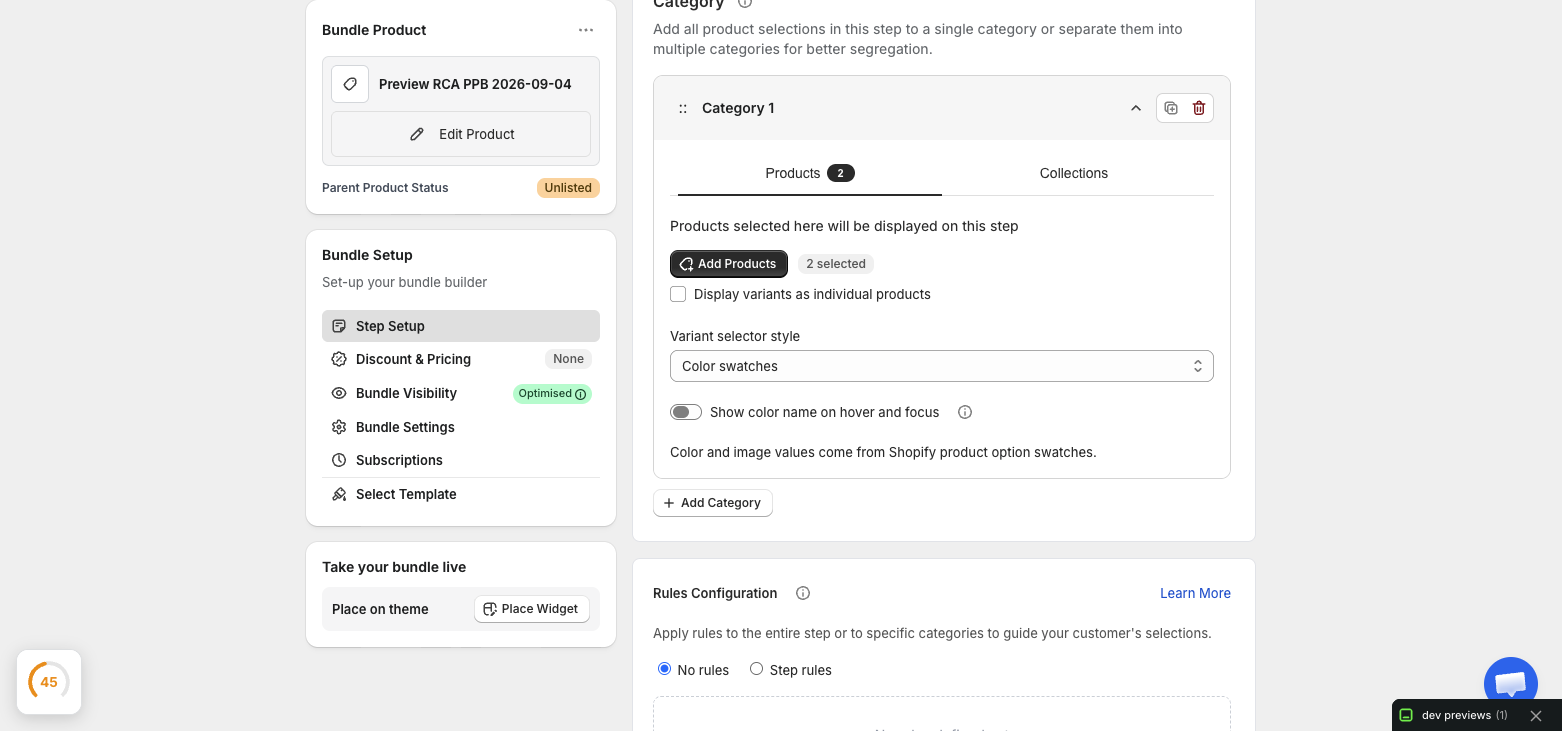
Connect product options to Shopify category metafields, configure canonical color or image swatches, select the matching Only Bundles mode, and verify the result on desktop and mobile.
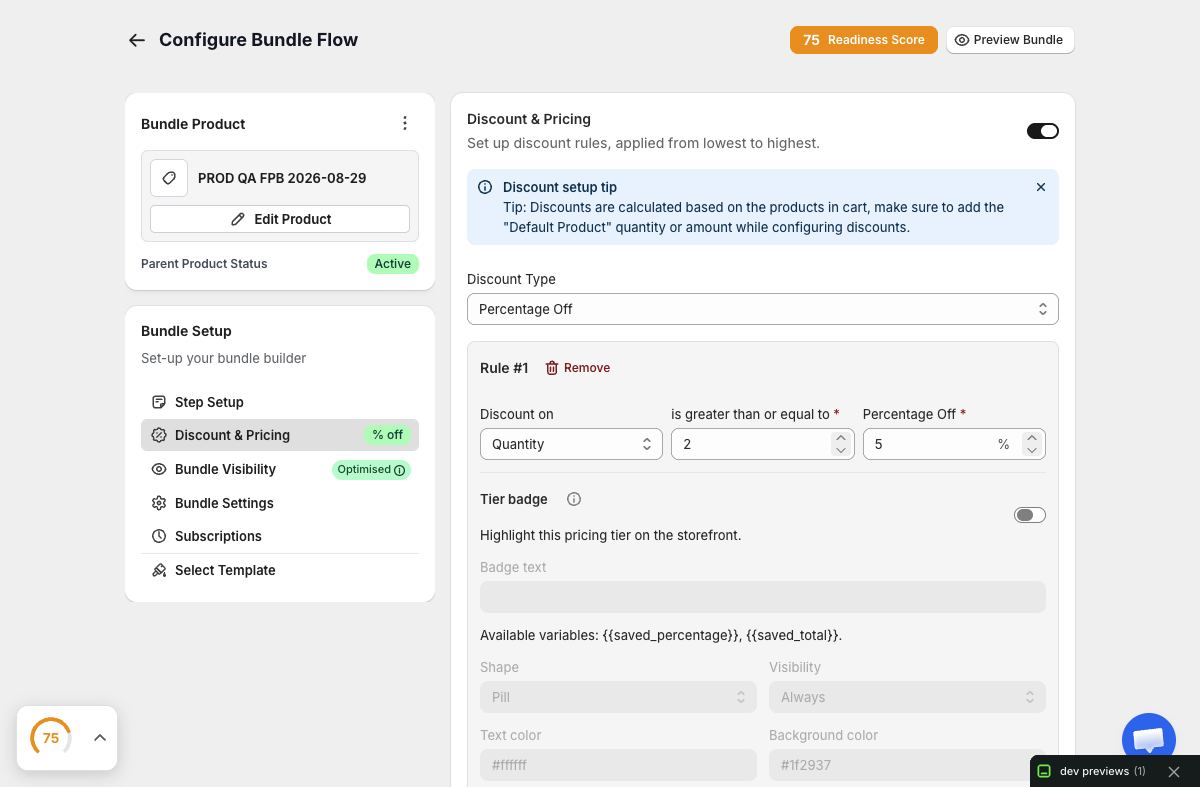
Choose the right discount model, configure tiers and quantity options, write accurate progress messaging, and validate bundle totals in Shopify cart.
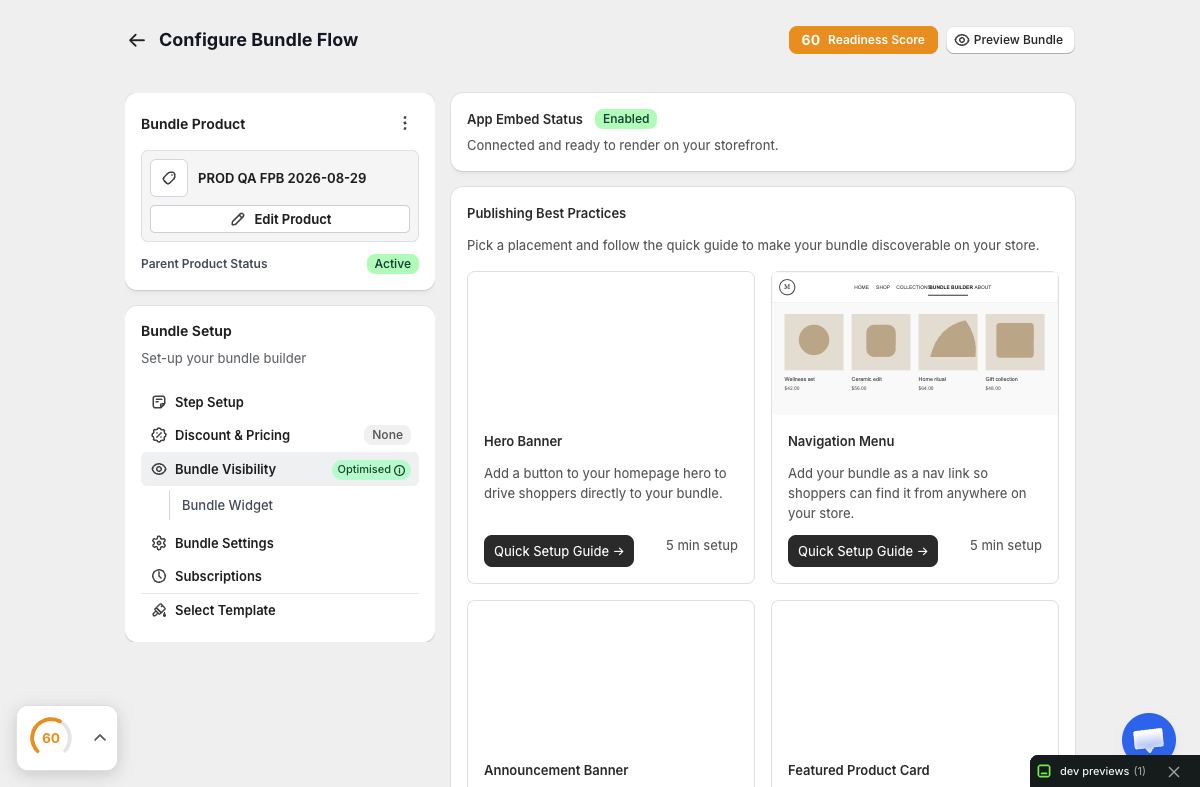
Publish each bundle surface through Shopify’s supported theme extension path, verify the app embed or app block, and test the live storefront without stale assets.
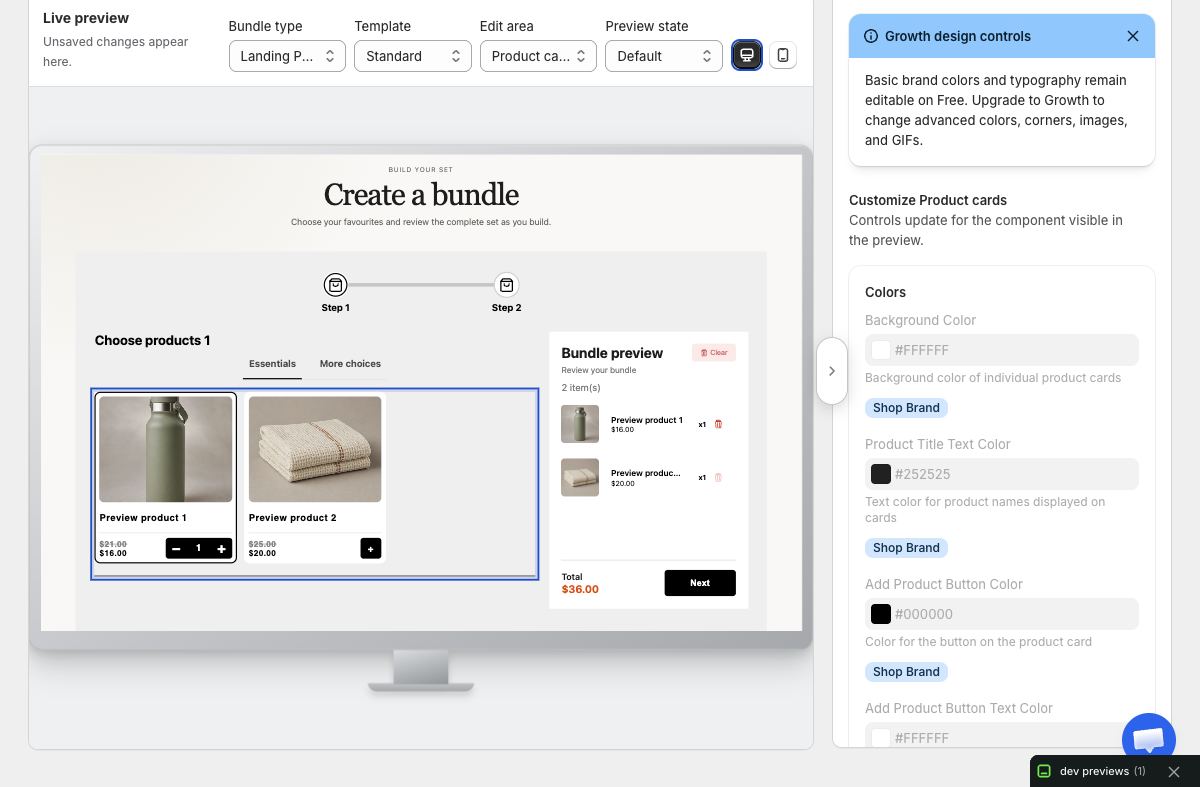
Select the right responsive template, use the preview-first Design workspace, adapt customer-facing language, and verify important bundle states on desktop and mobile.
Add optional merchandising to a Full Page Bundle, separate free rewards from paid extras, and test eligibility, totals, messaging, and cart lines as one understandable journey.
Turn a Product Page Bundle step into a clear gifting experience, configure optional add-on tiers, translate its storefront text, and verify every state before publishing.
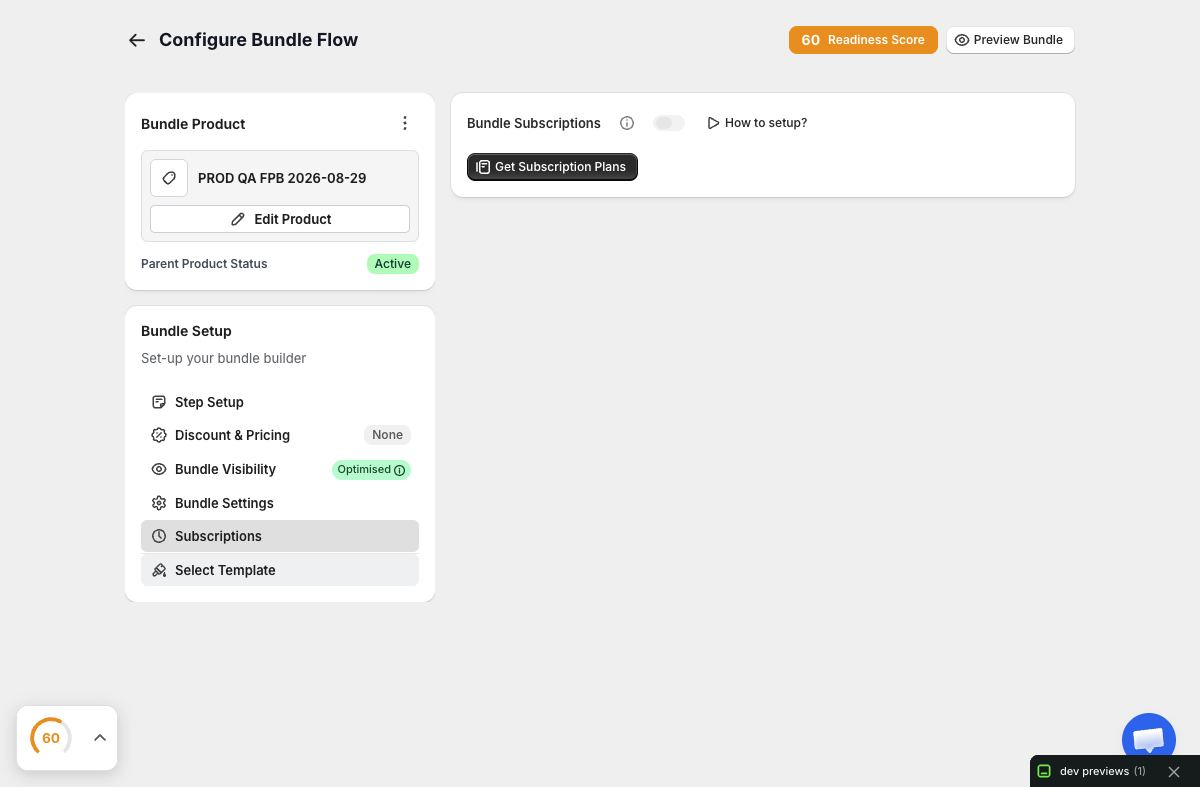
Connect provider-owned Shopify selling plans to a compatible bundle, choose a default plan, validate every selectable variant, and verify recurring cart lines without duplicating subscription infrastructure.
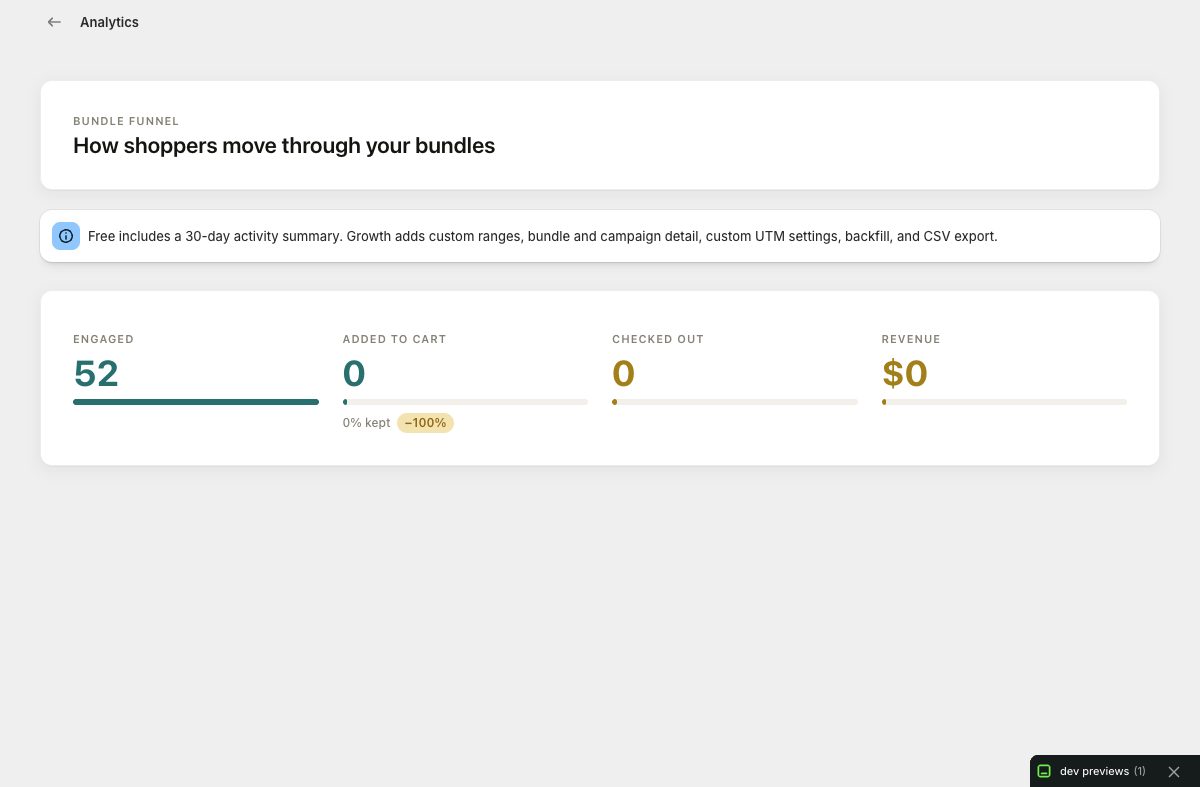
Read the bundle funnel from view through attributed order, choose useful reporting windows, compare offers and campaigns, and turn evidence into focused improvements.
Choose draft, unlisted, or active publishing behavior, configure storefront eligibility and country targeting, use real campaign dates, and verify each audience path.
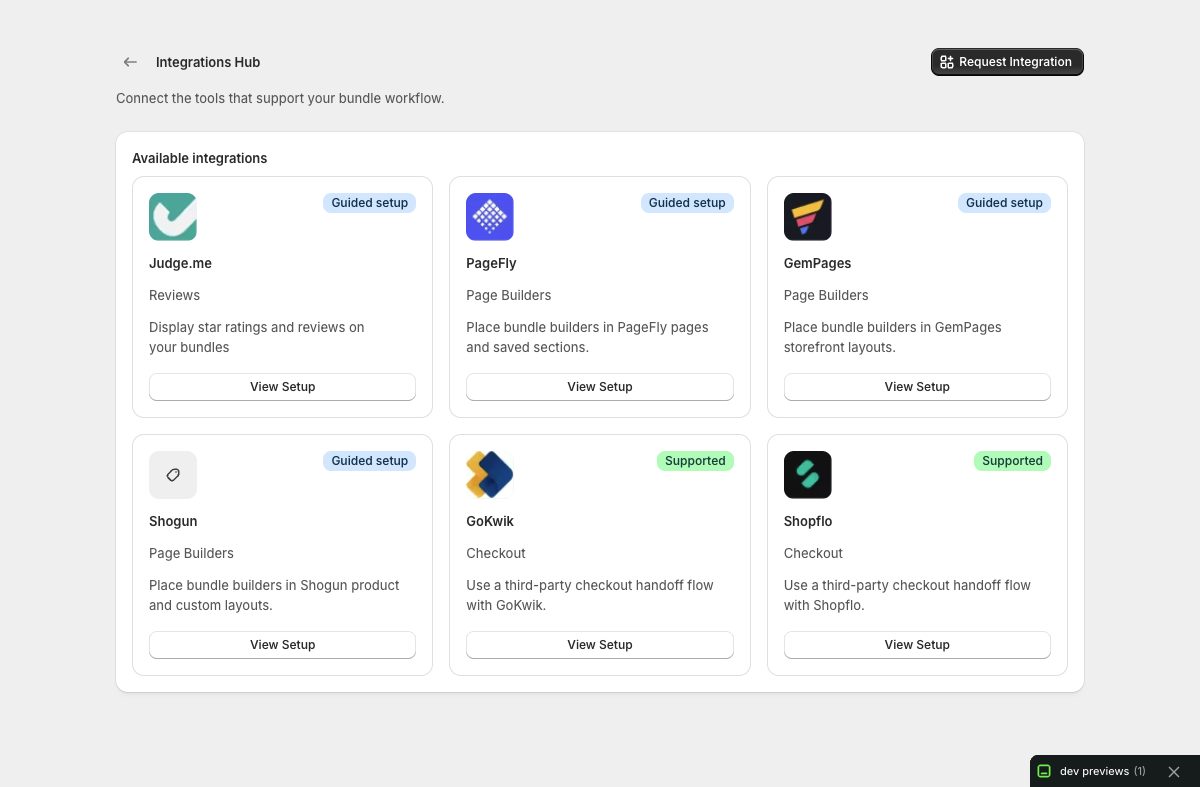
Use the supported Shopify app-block or page-builder placement path, keep one app embed responsible for loading, select the correct bundle source, and verify editor and published storefront behavior.